Program Calendar
-
Available Dates
Live Virtual Training
-
 02 May, 2026
-
19:00 - 23:00 IST
-
Weekend
Live Virtual Training
-
09 May, 2026
-
19:00 - 23:00 IST
-
Weekend
Live Virtual Training
-
16 May, 2026
-
19:00 - 23:00 IST
-
Weekend
-
 02 May, 2026
 19:00 - 23:00 IST
 Weekend
Course Overview
The Flutter certification acknowledges proficiency in utilizing Flutter, a Google-designed UI toolkit tailored for creating natively compiled applications. This certification affirms an individual's competence in constructing top-notch, interactive applications across mobile, web, and desktop platforms. The examination evaluates both practical and theoretical understanding of widget lifecycle, state management, unit and widget testing, as well as layout algorithms. Industries leverage Flutter for developing iOS, Android, and web applications from a unified codebase, significantly enhancing their speed, efficiency, and adaptability to market demands.
What you will Learn
The standard Flutter course emphasizes the acquisition of essential skills for constructing captivating and user-friendly applications through Google's UI toolkit. Training in Flutter equips students with the knowledge of installing Flutter and establishing a development environment. Ideally, learners will gain the ability to craft multi-page applications, experiment with widgets, and grasp the intricacies of state management in Flutter. The objective is to foster a comprehensive understanding of integrating APIs, handling dependencies, and testing app performance. A certified Flutter enthusiast is capable of developing diverse, fully functional apps for both iOS and Android platforms using Flutter.
Prerequisites
- Knowledge of basic programming languages such as JavaScript, Python, Java, or C#
- Familiarity with Object-Oriented Programming (OOP)
- Knowledge of mobile app development concepts
- Familiarity with version control systems
Course Curriculum
-
Topic Covered:
- Introduction
- Importance of Flutter
- Introduction to Dart
- Writing Dart code
- DartPad
- Installing Dart SDK
- IntelliJ IDEA
- Lab 1: Installing Dart IDE and Writing Dart Program
- Installing IntelliJ IDEA
- Creating a Dart Project Using IntelliJ IDEA
- Using DartPad
-
Topic Covered:
- Introduction
- main() function
- Dart Variables
- Dart Data Types
- Input of Information to Dart Program
- Writing Comments
- Dart Conditional Operators
- If Statement
- If – Else Statement
- If…Else and Else…If... Statement.
- If Else and Logical Operators
- For Loops
- While Loops
- Do-while Loops
- Break Statement
- Switch Case Statement
- Lab 2: Create a Pizza Order Program
-
Topic Covered:
- Functions
- Function Structure
- Creating a Function
- Function Return Data Types
- Void Function
- Function Returning Expression
- Functions and Variable Scope
- Object-Oriented Programming (OOP).
- Object
- Class
- Creating a Class
- Adding Methods to Classes
- Providing Constructors for Your Classes
- Class — Getters and Setters
- Class Inheritance
- Abstract Class
- Dart Project Structure and Dart Libraries
- Lab 3: Create a Small Overtime Payment Program
-
Topic Covered:
- Understanding Flutter
- Flutter Framework
- Android Studio
- What is Android Studio?
- Android Studio Software Prerequisite
- Installing Android Studio
- Flutter SDK
- Installing and Configuring Flutter SDK
- Creating a New Flutter Project
- Setup an Android Virtual Device
- Run a Flutter App
- Installing Flutter on Mac
- Test Your Flutter App on iOS Phone with Windows O.S
- Android Studio Sugar and Spice
- Run your Apps on a Hardware Device (Physical Phone)
- Run your Flutter App on Android Phone
- Run your Flutter App on IPhone Device
- Emulator Debug Mode
- Introduction to Flutter Widgets
- Creating a Flutter App Using Widgets
- What is a MaterialApp widget?
- Lab 4: Creating a Simple Flutter App
-
Topic Covered:
- Scaffold Widget
- Image Widget
- Container Widget
- Column and Row Widgets
- Icon Widget
- Layouts in Flutter
- Card Widget
- App Icons for iOS and Android Apps
- Hot Reload and Hot Restart
- Stateful and Stateless Widgets
- Use a Custom Font.
- Lab: Creating a Restaurant Menu
-
Topic Covered:
- Button Widget
- App Structure and Navigation
- Navigate to a New Screen and Back
- Navigate with Named Routes
- Send and Return Data Among Screens
- Animate a Widget Across Screens
- WebView Widget in Flutter
- Lab 6: Navigation and Routing a Pizza Store App
-
Topic Covered:
- Introduction
- BottomNavigatorBar Widget.
- DefaultTabController, TabBar, and TabBarView Widgets
- ListTile Widget
- ListView Widget
- Drawer Widget
- DataTable Widget
- SelectableText Widget
- Stack Widget
- Lab : 7
- Lab A: Creating a Flutter App using BottomNavigatorBar Navigation Technique
- Lab B: Using DataTable Sorting Built-in function
-
Topic Covered:
- Input and Selections
- Text Field Widget
- CheckboxGroup and RadioButtonGroup Widgets
- Date Picker
- Time Picker
- Slider Widget
- Switch Widget
- Dialogs, Alerts, and Panels
- Alert Dialog Widget
- Cupertino Alert Dialog Widget
- Bottom Sheet
- Modal Bottom Sheet
- Persistent Bottom Sheet
- Expansion Panel Widget
- Snack Bar Widget
- Lab 8: Creating a Hotel Reservation App
-
Topic Covered:
- Introduction
- What is the JSON ?
- How does Firebase Database work?
- Firebase authentication (Signup and Login to Flutter App)
- Configure Your App to use Firebase Services
- Adding Firebase to your Android App
- Adding Firebase to your iOS App
- Configuring Firebase Authentication
- Login to an App Using Firebase User Accounts
- Logout Configuration
- Firebase Database
- Which database is right for your project?
- Real Time Database
- Cloud Firestore
- Lab 9 : Create a User Profile Interface using Firebase
-
Topic Covered:
- Introduction
- What is GPS and how does it work?
- The Camera Position
- Adding Google Maps to a Flutter app .
- Getting a Google API key
- Adding Google Maps Flutter plug-in as a dependency
- Adding your API key for your Android app
- Adding your API key for your iOS app
- Adding a Google Map on Your Flutter App Screen
- Adding a Google Map Marker
- Google Map Types
- Moving the Camera (Camera Animation).
- Capturing an App User's Location for iOS and Android Apps
- Lab10: Location-Aware Apps Using GPS and Google Maps
- Getting a Google API key
- Creating an App Interface
- Configuring your App to Use Your API Key
- Adding a Google Map on your Flutter App Screen.
- Adding a Google Map Marker
- Capturing Users’ Location
- Configuring User App’s Permission
-
Topic Covered:
- Testing and Feedback for Your App
- Setting up a Test Environment
- Usability Testing by Participants
- Starting your Test Session
- Analyzing your Test
- Publishing Flutter Apps
- Publishing Android App on Google Play Store
- Publishing iOS app on Apple Store
+91 8447121833
Available 24x7 for your queries
FAQs
Training Features

Experiential Workshops
Top-rated instructors imparting in-depth training, hands-on exercises with high energy workshop

Certificate Exam Application Assistance
The training program includes several lab assignments, developed as per real industry scenarios.

Certificate Exam Success Formula
Training begins taking a fresh approach from basic, unique modules, flexible, and enjoyable.

Certificate Journey Support
Basic to intermediate and eventually advanced practicing full hands-on lab exercises till you master.

Free Refresh Course
Refresh training for experts for mastering and enhancing the skills on the subjects with fresh course modules.

Exclusive Post-Training Sessions
Includes evaluation, feedback, and tips to handle critical issues in live setup after you are placed in a job.
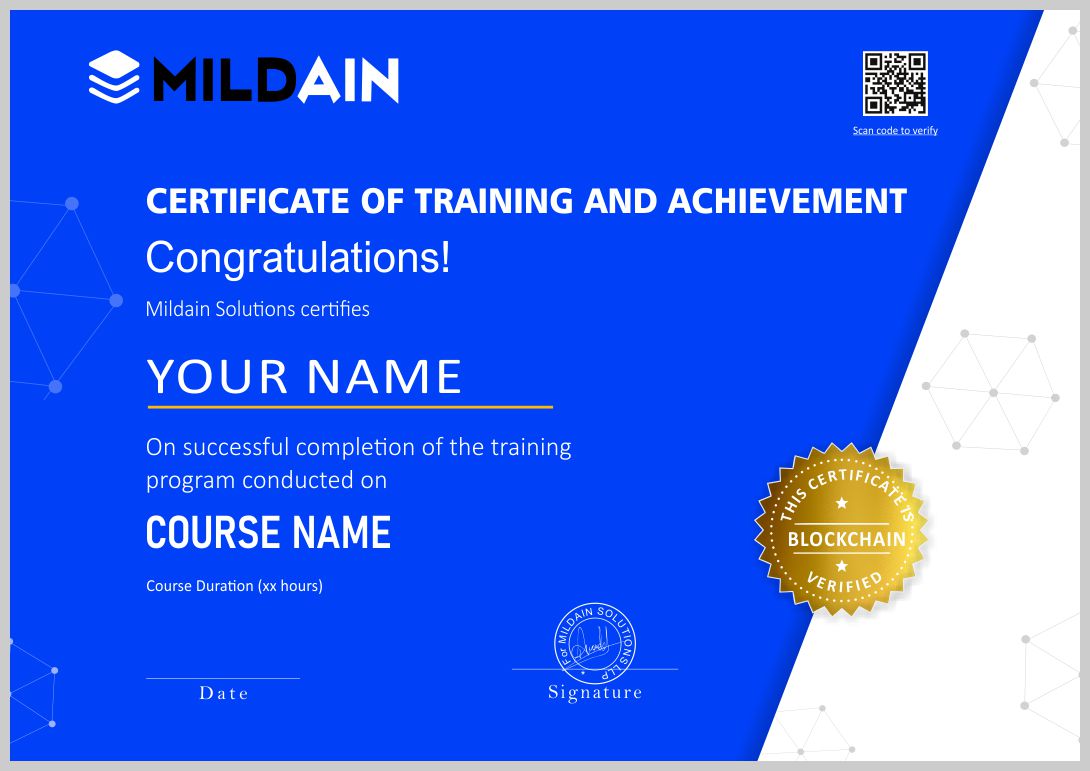
Mildain's Master Certificate
Earn your certificate
This certificate proves that you have taken a big leap in mastering the domain comprehensively.
Differentiate yourself with a Masters Certificate
Now you are equipped with real-industry knowledge, required skills, and hands-on experience to stay ahead of the competition.
Share your achievement
Post the certificate on LinkedIn and job sites to boost your profile. Notify your friends and colleagues by sharing it on Twitter and Facebook.